

Ask from your phone, read it on your phone
Add Odia to your home screen. Say it on the way out; your Mac does the work and the result is waiting.
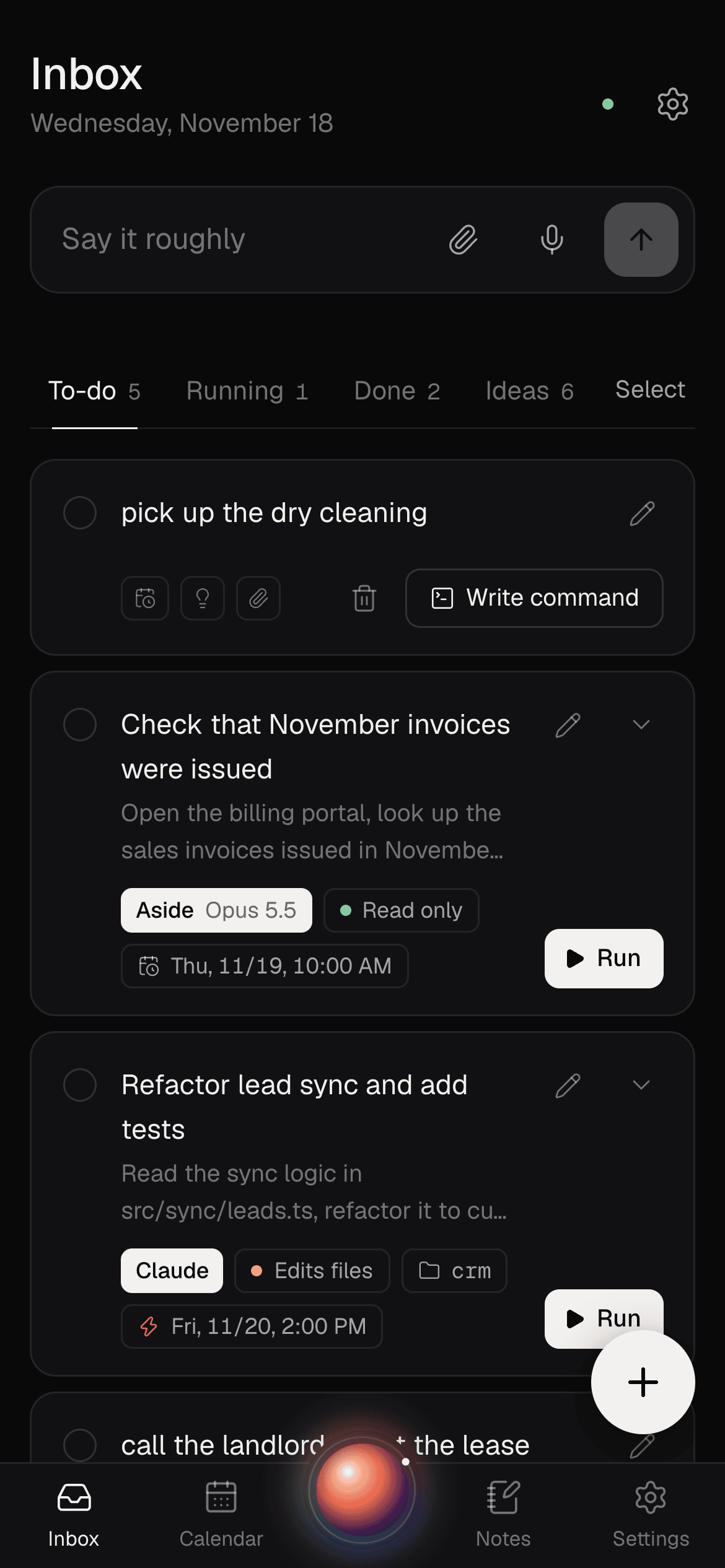
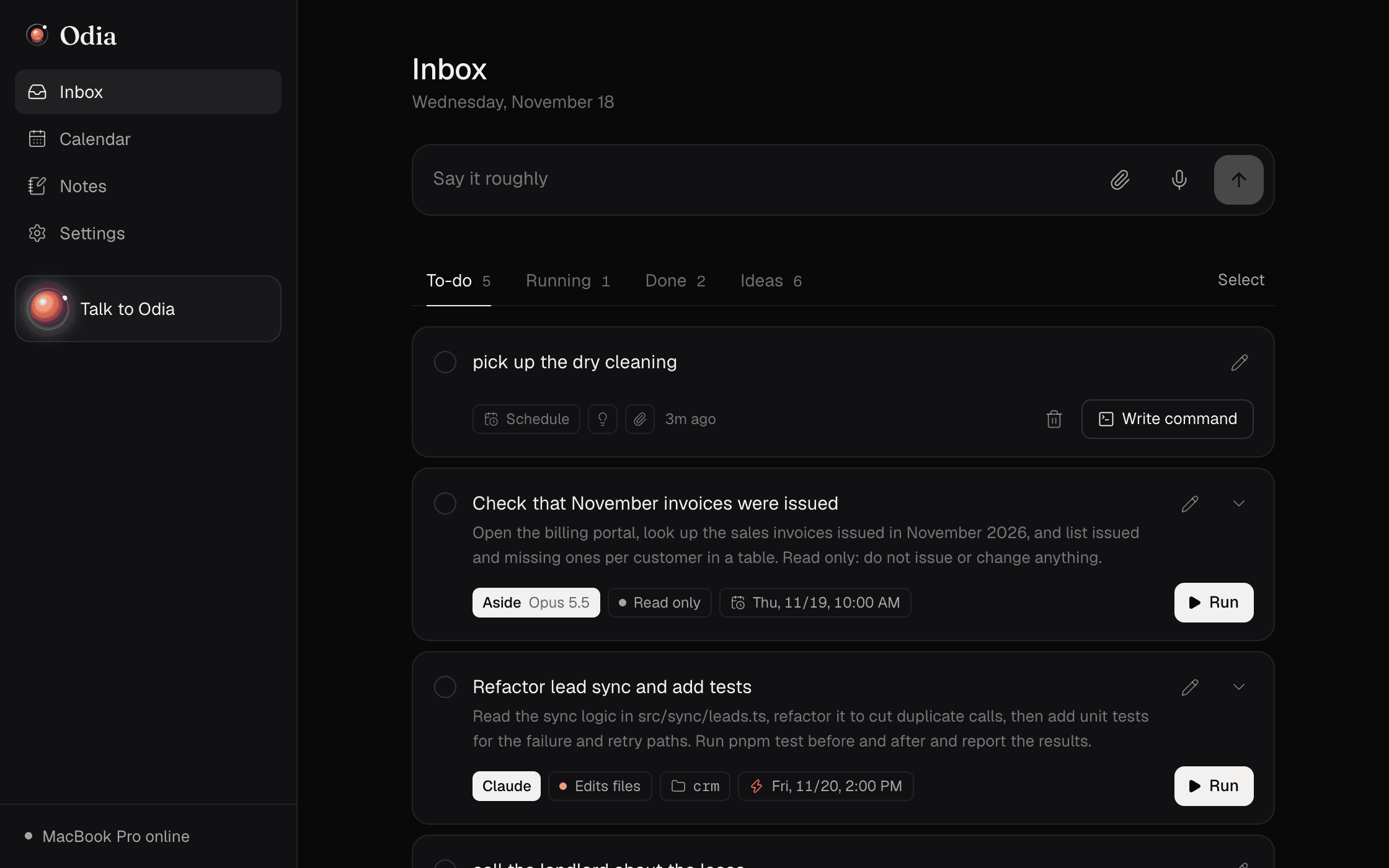
Odia hands your to-do to the AI you already pay for, on your own Mac. It knows your work, so one line is enough.
The AI you use every day already knows how you work. Your projects, your accounts, the way you did it last month. Odia does not start from zero: it puts each to-do in front of that same AI, signed in as you, on your own computer.
You write the way you would on a sticky note. Everything else comes from what your AI can already see.
harbor foods tax invoice, the monthly one
On your phone or your Mac, typed or spoken. There is no prompt to craft.
Most to-dos stay to-dos. For the ones you hand over, Odia writes the brief: which project, which agent, what must not be touched. You can read it and change it.
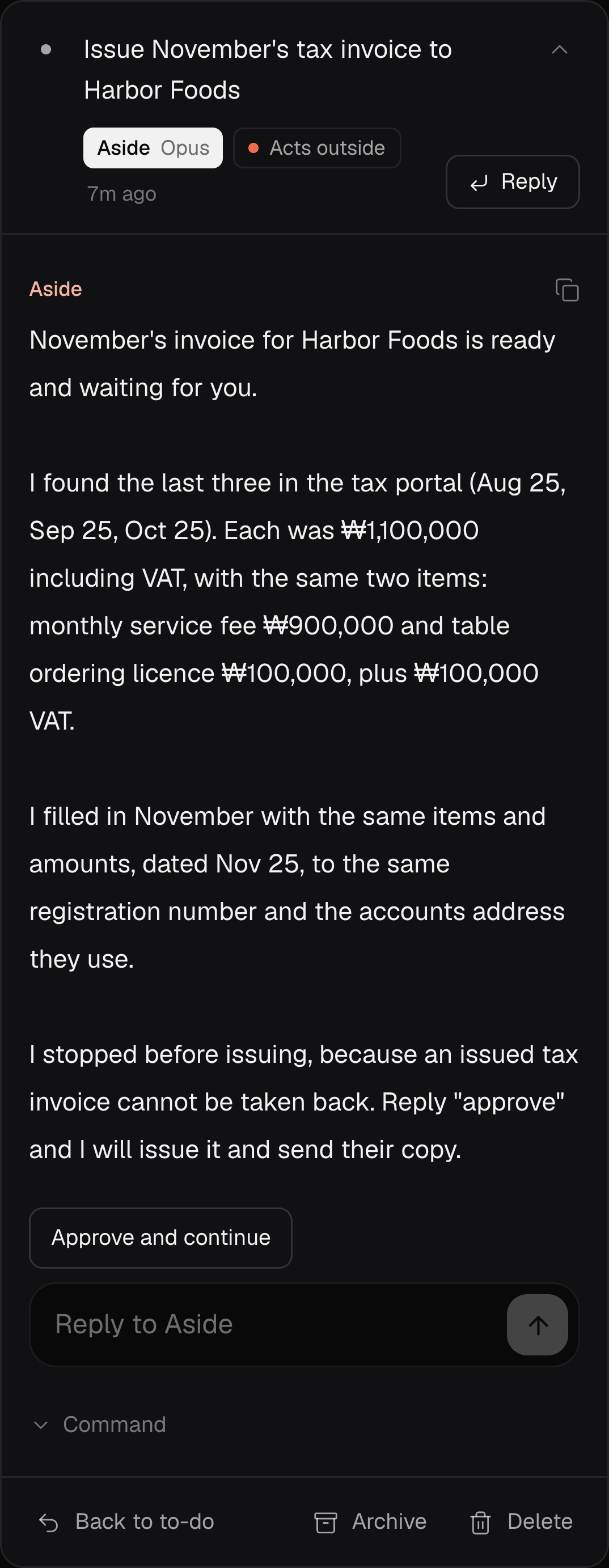
The agent works on your Mac and the result lands in your inbox, with any files it made. Reply, and it carries on.
Odia sells no model. Each task goes to the agent that fits it, on the subscription you already have.
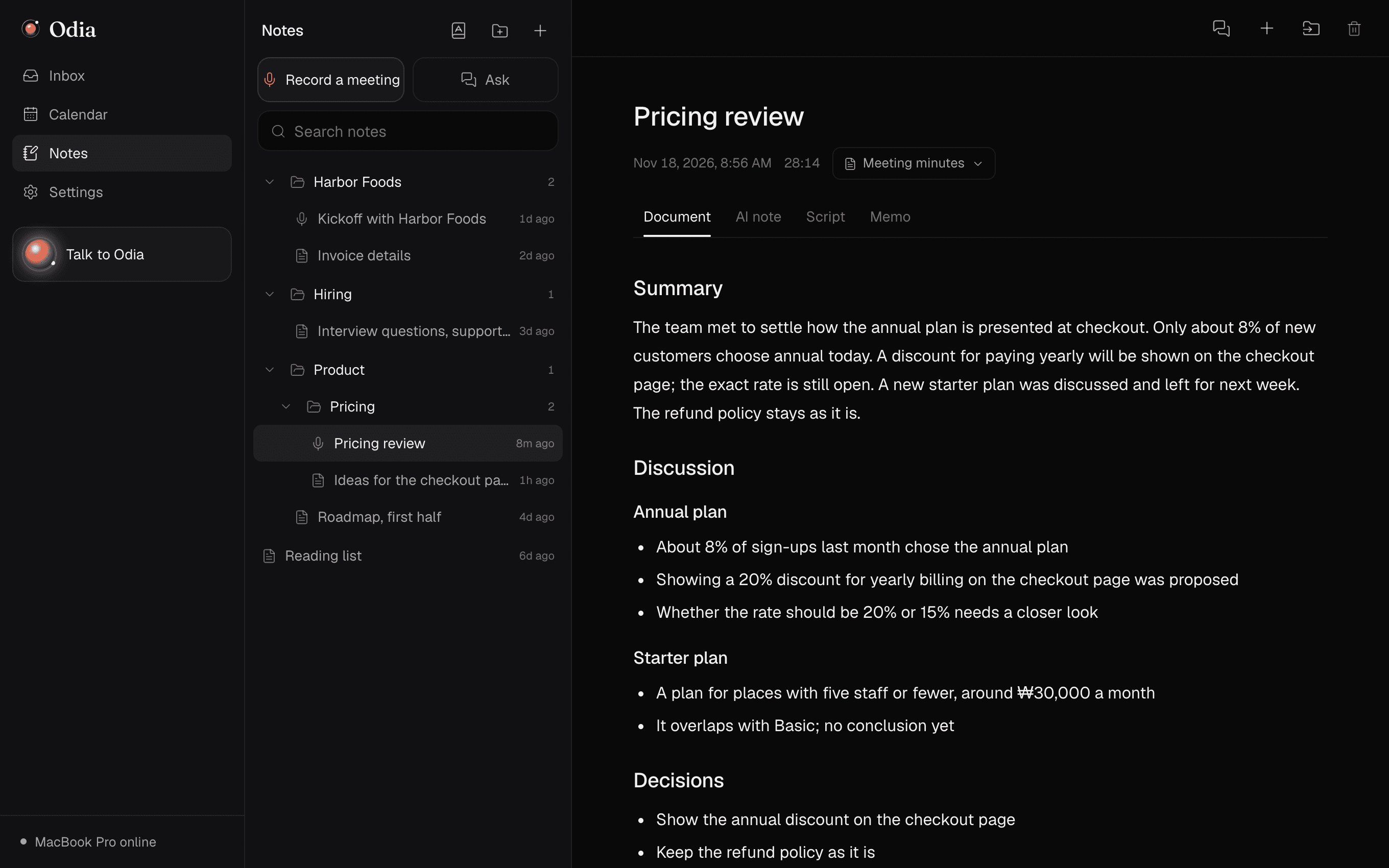
Record in Odia and the script fills in as people talk, with an AI note building up beside it. When the meeting ends, your Mac transcribes it with an open-source speech model and deletes the sound, and your own AI writes the document in the template you pick.
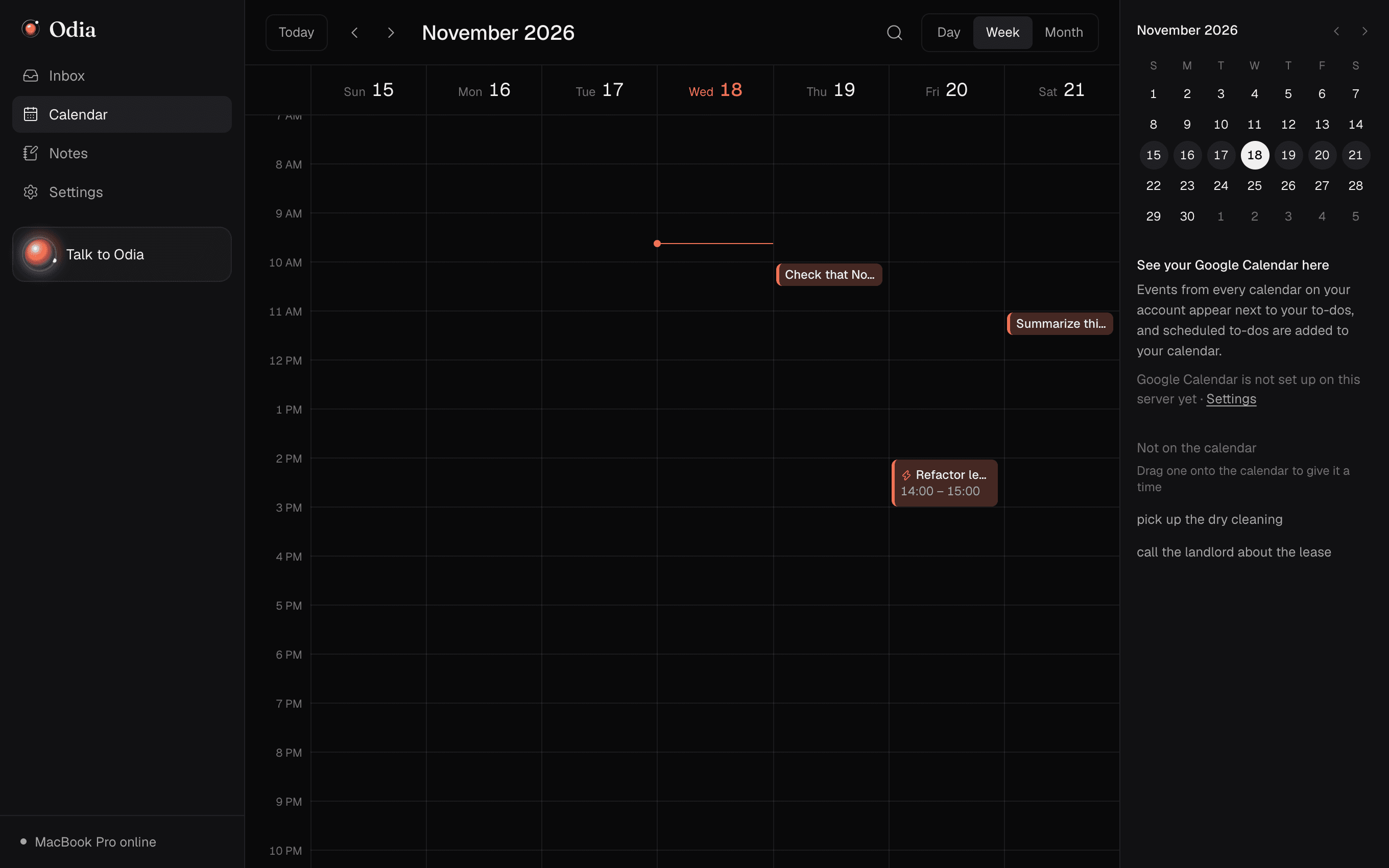
To-dos sit beside your Google Calendar events. Odia tells you when it is time, or starts the work itself if you say so.
Add Odia to your home screen. Say it on the way out; your Mac does the work and the result is waiting.
Press the orb and speak. It adds to-dos, saves ideas, sets times and starts work, in conversation.
You always see the brief first. Work that sends, pays, publishes or deletes stops and waits for your OK.
Attach a photo or a PDF to a to-do. The reports an agent writes come back as files you can open anywhere.
Paste one line into Terminal. The app installs and opens straight away.
curl -fsSL https://odia-taupe.vercel.app/mac.sh | bashApple Silicon Mac, 5.7 MB. Installs into your Applications folder.
Download the fileA downloaded copy is not notarized by Apple yet, so macOS stops it the first time. Press Done on the warning, then open System Settings, Privacy & Security, and choose Open Anyway at the bottom. Installing from Terminal skips this.
Run it in Terminal after you sign up. It installs the small program that actually runs your agents.
curl -fsSL https://odia-taupe.vercel.app/install.sh | bashOn iPhone, open this address in Safari, then Share and Add to Home Screen.
Or use it in the browser with nothing to install. Get started